



We know, we know – the constant talk about AI is getting a little tiring. It’s everywhere, from social media and tube adverts to work emails, and with new tools appearing almost daily, it’s hard to keep up.
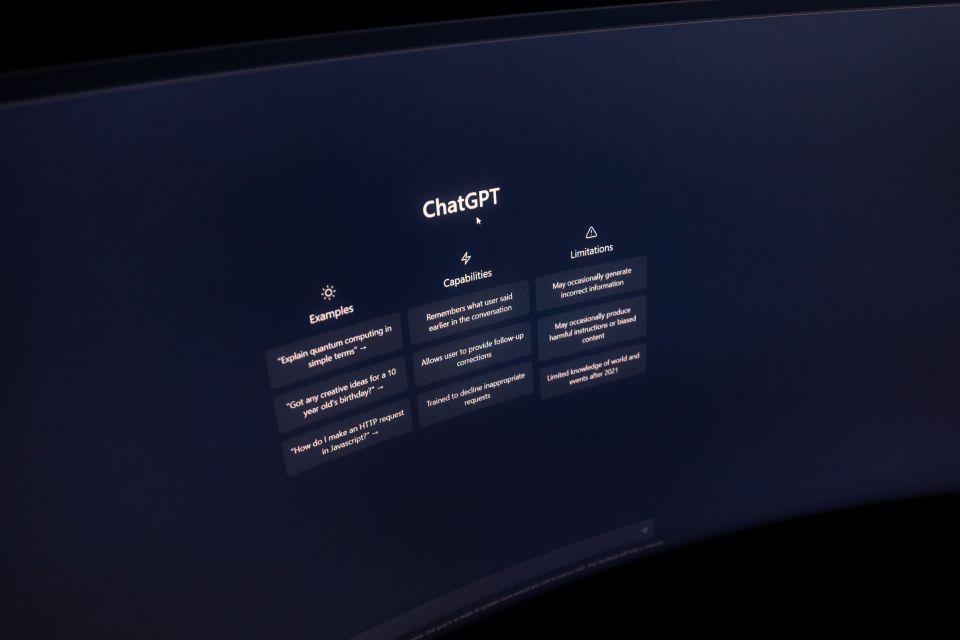
But think about it: when was the last time you wrote an entire email without a little help from your buddy Claude? Or didn’t ask ChatGPT to check your spelling?
We’ve quickly become accustomed to using AI to make everyday tasks easier. But which AI tools for executive assistants can genuinely save time, leaving PAs and EAs free to focus on what really matters?
Let’s find out.
1. Managing emails and everyday communication
Keeping on top of a busy inbox can take up a significant part of an assistant’s day, particularly when supporting multiple executives.
AI-powered features in tools such as Microsoft Copilot, Gmail and ChatGPT can help summarise lengthy email threads, draft responses and refine messages for different audiences.
Rather than spending time writing routine emails from scratch, assistants can use AI to create a first draft and then review it for accuracy, tone and context.
Where AI saves time: Summarising conversations, identifying key actions and drafting routine correspondence.
2. Preparing for meetings and managing follow-ups
Meeting preparation involves much more than sending calendar invitations. From compiling agendas and briefing documents to taking notes and following up on actions, there are plenty of opportunities to save time.
AI meeting assistants can transcribe conversations, summarise discussions and identify action points. Some tools also integrate with existing executive assistant software, making it easier to organise meeting information.
However, assistants should always check summaries for accuracy and ensure participants have been appropriately informed about recording or transcription.
Where AI saves time: Creating agendas, producing meeting summaries and organising follow-up actions.
3. Creating briefings, presentations and reports
Whether you’re preparing a board meeting, compiling a weekly update or putting together a presentation, starting with a blank page can be time-consuming.
AI tools can help structure information, turn lengthy documents into concise summaries and transform rough notes into clear, professional content.
For example, assistants can use AI to organise updates from different departments into a consistent briefing format, making information easier for executives to digest.
For more practical advice, explore our guide to five ways PAs can use AI tools to create team briefings faster.
Where AI saves time: Structuring documents, summarising information and preparing first drafts.
4. Supporting diary management and scheduling
Diary management remains one of the most demanding responsibilities for many assistants, particularly when coordinating multiple executives, meeting rooms and time zones.
AI-powered scheduling features can help identify suitable meeting times, highlight potential conflicts and reduce the back-and-forth involved in arranging appointments.
However, not every scheduling platform uses AI, and even the most advanced executive assistant tools cannot always understand an executive’s priorities, relationships or preferences.
Where AI saves time: Finding available meeting slots, reducing scheduling administration and identifying potential clashes.
5. Researching information and planning business travel
Research is another area where AI can provide a useful starting point.
From comparing potential venues to researching destinations and preparing background information for meetings, AI can help assistants gather and organise information more efficiently.
When planning business travel, AI can suggest itinerary structures, identify transport options and create packing lists or destination briefings.
However, travel schedules, prices, visa requirements and other important details must always be verified using reliable, up-to-date sources before bookings are made.
Where AI saves time: Organising research, comparing options and preparing preliminary itineraries.
6. Supporting your professional development
AI isn’t just useful for everyday administration. It can also help PAs and EAs invest in their own careers.
From refining CVs and preparing for interviews to identifying transferable skills and creating personal development plans, AI can provide a helpful starting point.
Assistants can also use AI to practise interview questions, explore career pathways and identify areas where additional training could be beneficial.
Read our article on how AI can help you find your next role for more ideas.
What should PAs and EAs consider before using AI?
While AI offers plenty of opportunities to work more efficiently, it’s important to understand its limitations.
Accuracy is a key consideration. AI-generated content can contain mistakes or outdated information, so anything used for business decisions or external communications should be carefully checked.
Confidentiality is equally important. Assistants often handle sensitive company information, personal details and executive communications. Always follow your organisation’s data protection policies and use approved platforms.
Our article exploring the pros and cons of AI offers further insight into the opportunities and challenges.
Making AI work for you
The most effective approach is to start small. Identify one or two repetitive tasks that regularly take up your time, experiment with suitable tools and assess whether they genuinely improve your workflow.
Ultimately, the best AI tools for executive assistants are those that support existing responsibilities without adding unnecessary complexity.
AI can help reduce administration and speed up routine processes, but the judgement, discretion, adaptability and interpersonal skills that make an exceptional PA or EA remain irreplaceable.